Free macOS app · Very serious software
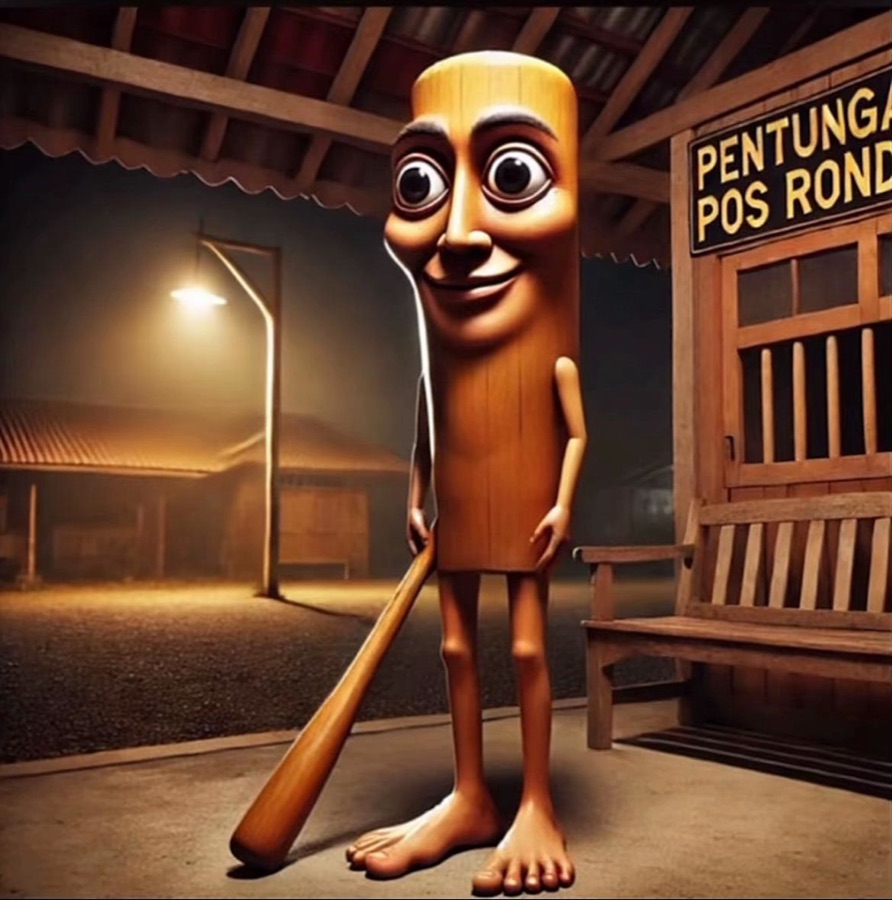
Tung Tung Tung Sahur for your keyboard.
Every key you press goes tung. Every fourth one goes sahur. It lives in your menu bar and turns any keyboard into the pre-dawn wake-up drum nobody asked for.
Productivity gains are not guaranteed. Productivity losses are.
v1.0 · 2 MB · macOS 13+ · Apple silicon and Intel
Try it before your coworkers do
The same sounds and the same counting logic as the app, minus the menu bar.
Keys pressed: 0 Sahurs summoned: 0
Nothing plays until you arm it. Your coworkers will thank you, briefly.
Set it up in four steps
About a minute, most of it spent saying yes to macOS.
- 1
Download and unzip
Drag TungTung.app into Applications. It weighs 2 MB, which is roughly one wooden log.
- 2
Open it anyway
The app isn't notarized, so macOS will refuse the first time. Go to System Settings → Privacy & Security, scroll down, and click Open Anyway. He means well.
- 3
Allow Input Monitoring
macOS asks before any app can hear key presses. Switch TungTung on in Privacy & Security → Input Monitoring. His face in the menu bar lights up when he's ready.
- 4
Type literally anything
Tung. Tung. Tung. Sahur. Repeat until you finish your email or your sanity, whichever goes first.
Questions, asked loudly
Things people ask right after the fourth key.
- Is this a keylogger?
- No. It counts to four and that's the whole brain. It never reads which key you pressed and never sends anything anywhere. It doesn't even have network code to forget about.
- Why does macOS call it unidentified?
- Apple charges a yearly fee to sign apps. Tung Tung Tung Sahur works for free and refuses to pay rent. The app is ad-hoc signed, so you approve it once in Privacy & Security.
- Will it work during meetings?
- Yes. That is exactly the problem. Mute yourself, or quit it from the menu bar first.
- How do I make it stop?
- Click his face in the menu bar and choose Quit TungTung. To uninstall, drag the app to the Trash and remove it from Input Monitoring.
- Does holding a key go tung-tung-tung?
- No. Auto-repeat is ignored, so one press is one beat. We have standards. Low ones, but standards.

He's already at your door.
Might as well let him in.
A fan-made toy, not affiliated with the meme's creator. Character image by noxaasht via Wikimedia Commons.